Chicago O’Hare International Chicago • United States
A nod to the classic Tower scenery and its busy American airport atmosphere.
ICAO: ORD | Version: 1.0.0
File size: 1.03 MB
AVAILABLE File size: 1.03 MB
TOWER » DOWNLOADS
Download the latest available version of TOWER, then explore additional airport scenery packages. Just like a classic 1990s software library — minus the floppy disks!
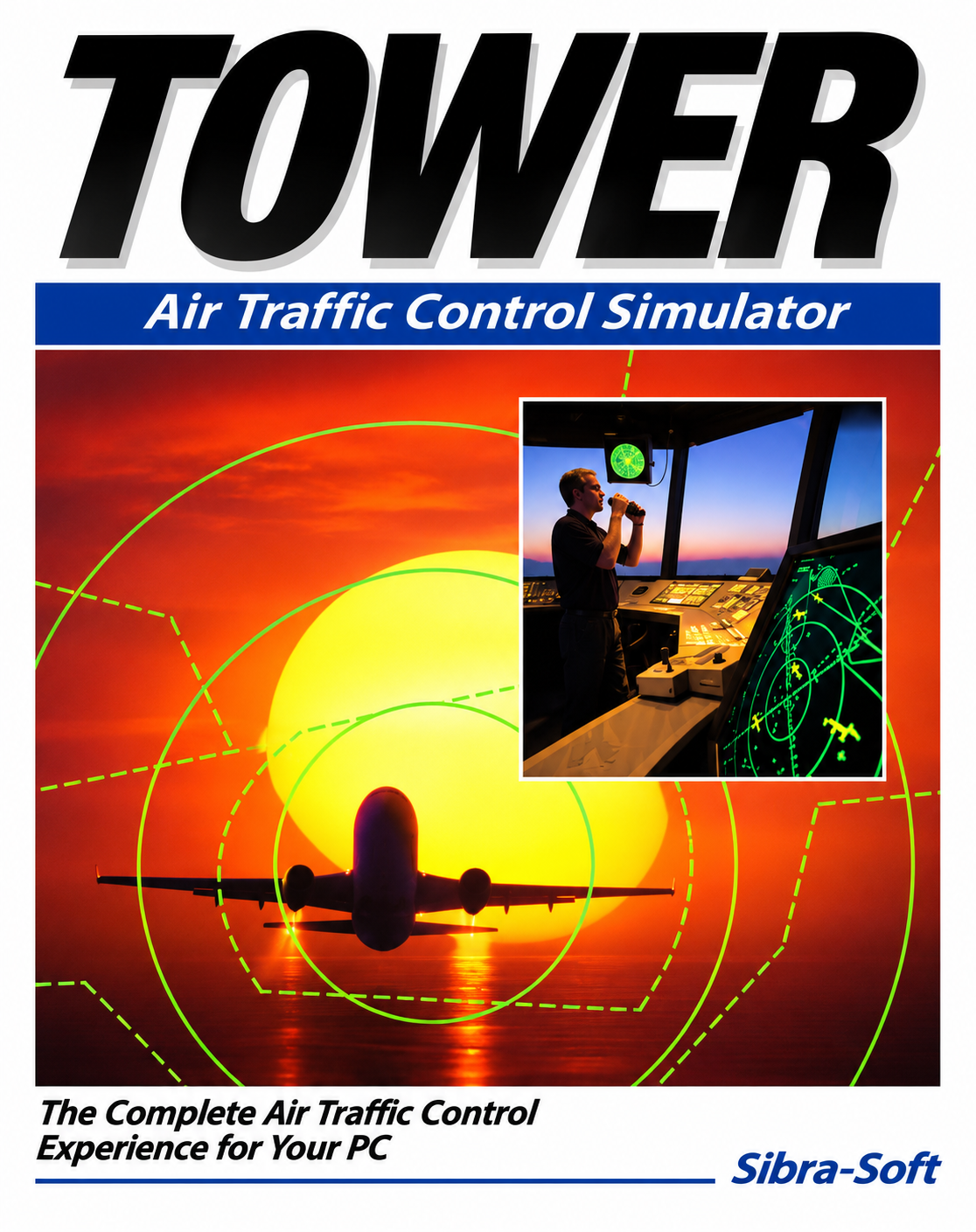
A modern C#/.NET reconstruction of the classic air traffic control simulator.
| Platform | Windows desktop |
|---|---|
| Version | 1.0.0 |
| File size | 36.6 MB |
| Format | As published in the release |
Releases are hosted on GitHub. If no release has been published yet, the repository may not offer a downloadable installer. This page does not provide an installer of its own.
Extend your air traffic control experience with additional airfields. Airport entries listed as COMING SOON are proposed add-ons, not published downloads.
A nod to the classic Tower scenery and its busy American airport atmosphere.
A classic American airport setting for precision traffic control.
A regional Dutch airport with military and civil aviation. A compact field for managing mixed traffic.
One of Europe’s major hubs. Plan approaches, departures and runway operations at a busy international airport.
Download the simulator. Open GitHub Releases and follow the instructions provided for the selected version.
Choose an airport add-on. When scenery files become available, download a package that is compatible with your simulator version.
Install using the airport manager. Use the build-in airport manager to install you downloaded package. After installing, it will be available within Tower.